Free Work Roster Planner

Create professional staff schedules in minutes. Assign AM, PM, and Night shifts, track coverage, and share rosters with your team using a simple access code. No login required — start planning right now.

  • ✅ Free forever
  • ⏱ No sign-up needed
  • 📤 Export to CSV
  • 🔗 Share with team
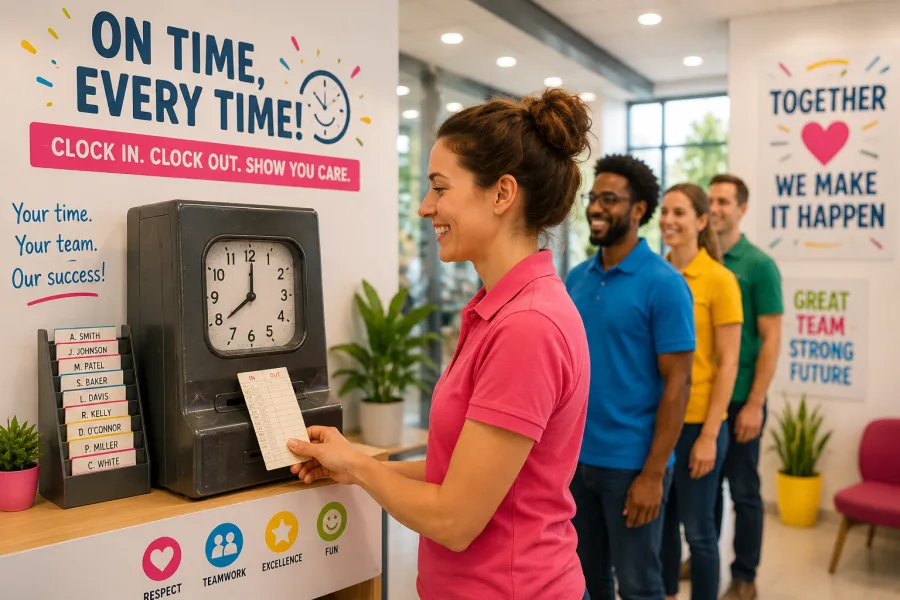
Staff clocking in and out for work roster scheduling

Work Shift Rota
Made Simple 🏢

Build your team's shift schedule in minutes. AM, PM, Night, and rest days — coverage tracking, access codes, CSV export. All free, all in your browser.

Launch App
📅

7-Day Grid

Full week view with clickable shift cells

📊

Coverage Tracker

See at a glance if you're under-staffed

🔑

Access Codes

Share your rota without sharing login

📤

CSV Export

Download your schedule for payroll

👥

Unlimited Staff

Add as many staff members as you need

🔄

Shift Swap

Bulk change any staff member's shift

🏢 Build Your Work Rota

Click a shift cell to cycle: Rest → AM → D12 → PM → Night → N12. Click and drag to fill multiple days.

Week of …
AM Morning (06:00–14:00)
PM Afternoon (14:00–22:00)
Night Night (22:00–06:00)
Std Standard (09:00–17:00)

📊 Daily Coverage

AM 06:00–14:00 PM 14:00–22:00 Night 22:00–06:00 Rest
Red = under minimum

🔑 Share Your Rota

Generate an access code so staff can view their schedule without seeing everyone else's details.

------

How to use the Work Roster

1. Add your team

Type each staff member's name and role, then click "Add Staff" to add them to the roster grid.

2. Assign shifts

Click any cell in the grid to cycle through Rest, AM, D12, PM, Night, and N12. The cell updates instantly.

3. Check coverage

The coverage bar below each day shows how many staff are working. Red means you're below your minimum.

4. Share with your team

Generate an access code and send it to your staff. They enter the code to view their own schedule.

5. Export to CSV

Download the full rota as a CSV file for payroll, HR systems, or records.

6. Save securely

Use the demo in your current tab, then sign in to save private rosters securely to your account across devices.

Industries we support

🏥 Healthcare

12-hour shift patterns, minimum nurse ratios, rolling cover schedules for wards and care homes.

🚚 Logistics

Driver and warehouse operative schedules across multiple depots, with overnight shift tracking.

🍽️ Hospitality

Front-of-house and kitchen rosters, split shifts, seasonal peaks, and casual staff cover.

🔒 Security

24/7 guard rosters with licensed officer tracking and site-by-site coverage management.

🛒 Retail

Part-time and full-time rota alongside footfall-responsive shift adjustments.

🏭 Manufacturing

Rotating shift patterns and machine operator scheduling for continuous production facilities.

Work roster tips & best practices

Plan at least a week ahead

Publishing rosters 7–14 days in advance lets staff arrange childcare, travel, and personal commitments — reducing last-minute call-outs.

Balance AM, PM, and Night fairly

Rotate shift patterns so no one is stuck on nights. Fair rotation improves morale and reduces fatigue-related errors.

Always have a minimum coverage floor

Set a minimum headcount per day and use the coverage bar to alert you when you fall below it.

Keep a record of changes

Export your weekly roster to CSV before making changes. This creates an audit trail for payroll disputes or HR queries.

Cross-train staff for flexibility

When staff can cover multiple roles, you have more options when someone calls in sick. Note secondary skills in the role field.

Communicate availability early

Ask staff to flag holidays or unavailable days as soon as possible — use the availability toggles to record this before building the rota.

Frequently asked questions

Is the work roster really free?

Yes — completely free with no hidden charges. You can create and manage unlimited staff rosters directly in your browser. An optional cloud sync feature requires an account.

How many staff members can I add?

There is no hard limit. The roster grid scales to fit your team size. For very large teams (50+) we recommend the mobile app for a better experience.

Can I share the rota with employees?

Yes. Generate an access code using the "Share Your Rota" section. Staff enter the code on any browser to view their schedule — no login required for view access.

Does my rota save automatically?

Visitor demos stay in the current browser tab. Sign in with a free Roster Champion account to save private rosters securely and sync them across devices.

Need more features?

The full Roster Champion app adds AI suggestions, leave management, audit trails, offline sync, and extra team tools.

Launch App Free →

⚠️ Shift Conflict

☁️
Roster Champion Account
Same account works on web & mobile app

OR
📱 Launch Roster Champion App →

🔑 Have an access code instead?